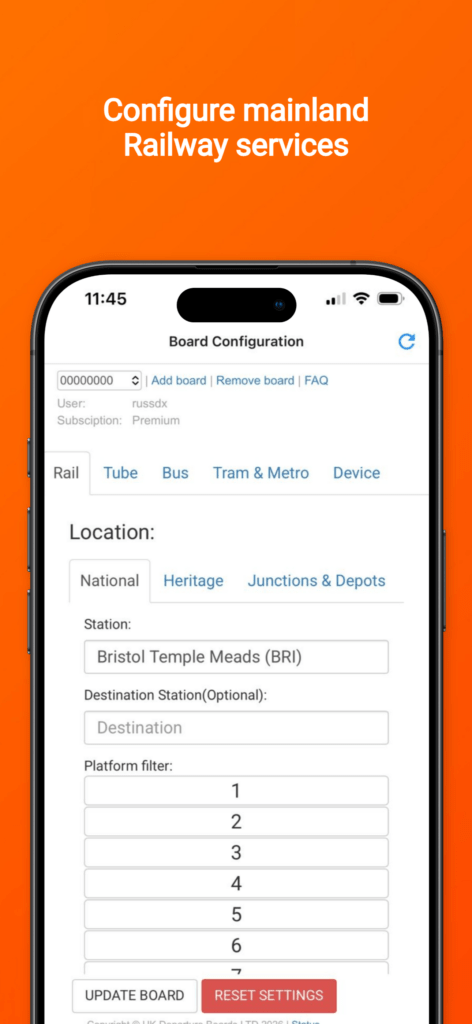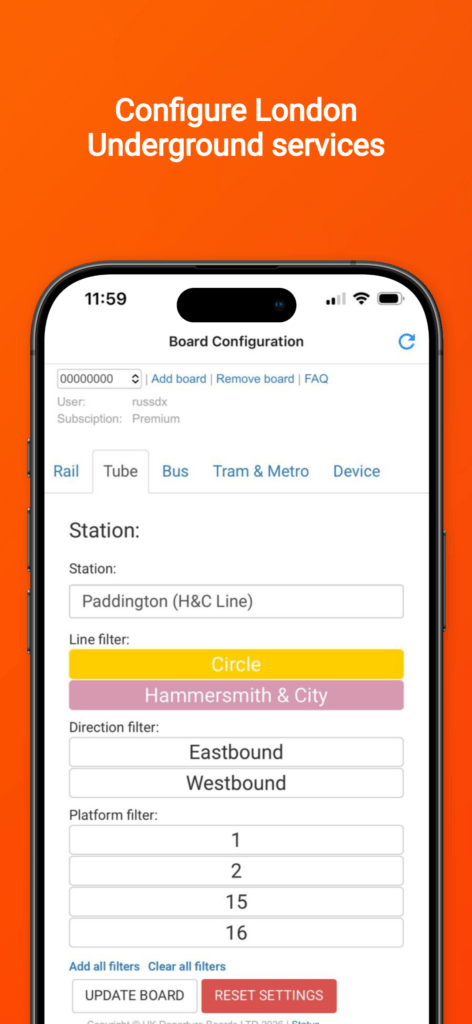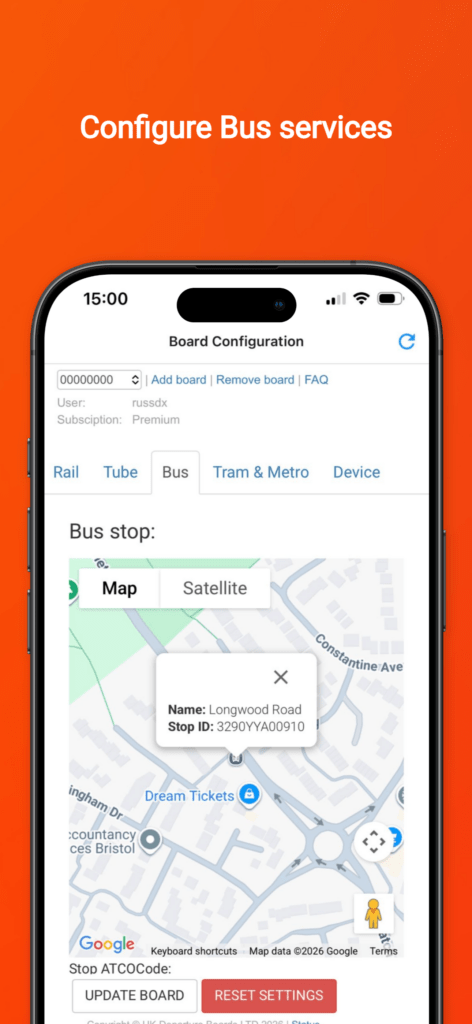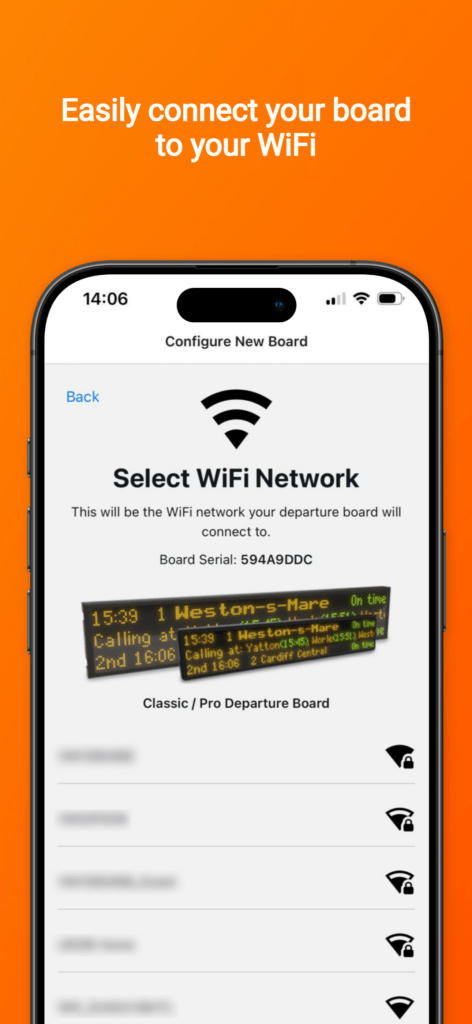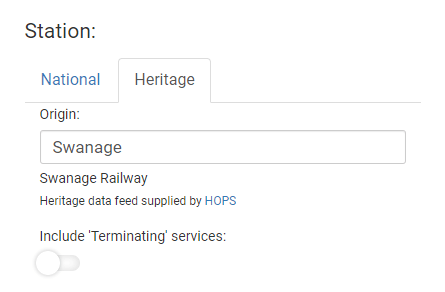
When most people picture a UK Departure Board, they picture their local station: the next train to London, the platform, the calling points. That is what most of our customers set up first, and we cover all of the UK’s National Rail stations.
But stations are only part of the railway. Between them are thousands of junctions, loops, sidings, depots and timing points, and trains pass through them all day and all night. Your board can show those too.
Over 10,000 junctions and timing points
Alongside the stations, you can choose from over 10,000 junctions, timing points and other railway locations across the network. Pick the junction at the end of your road, the loop you can see from the garden, or the famous spot you love to visit, and your board becomes a live view of everything passing through it.
A live freight train tracker for your home
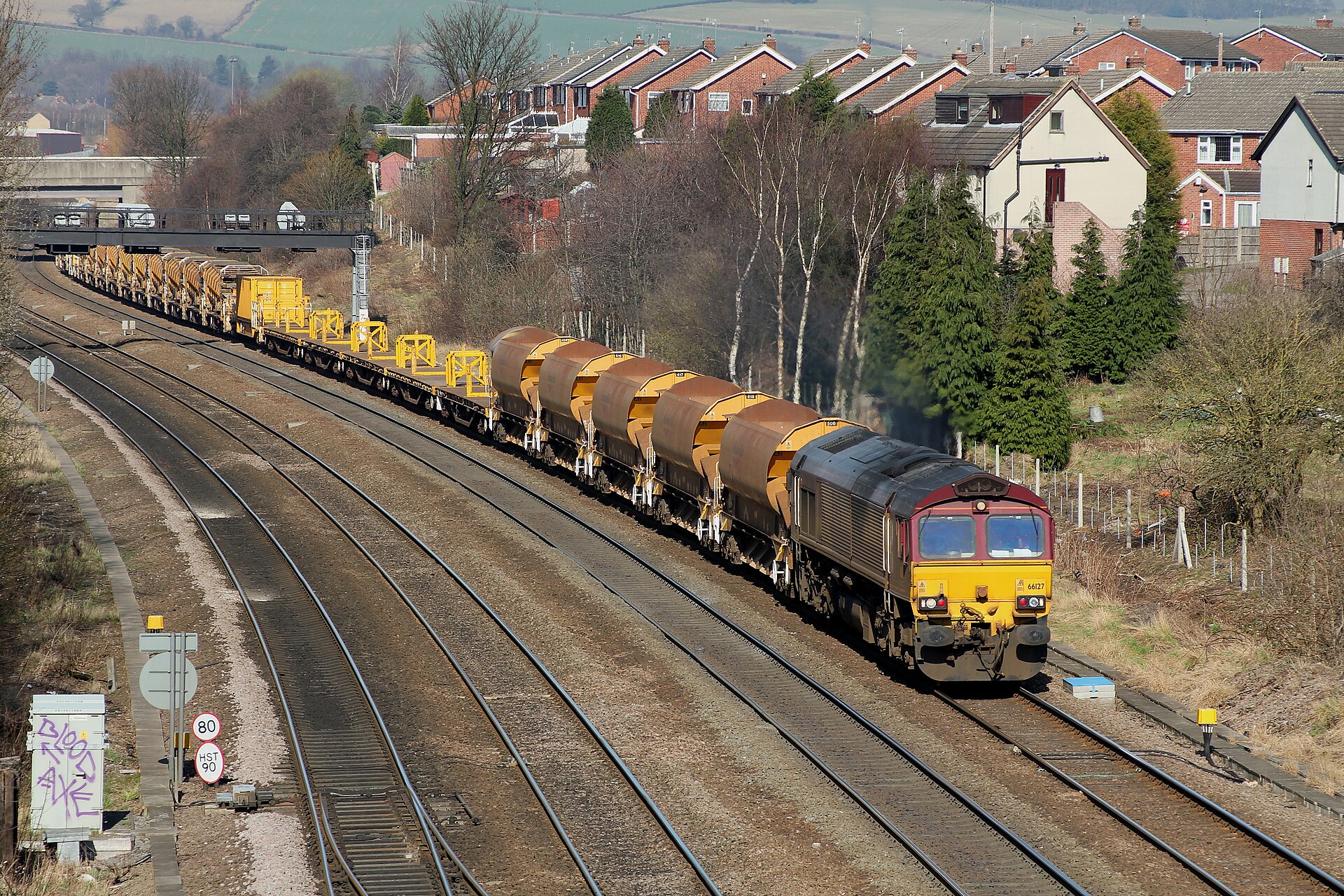
At a junction or timing point, nothing stops, so a normal departure board would have nothing to show. Ours shows every service passing through, with live timings, which turns it into a live train tracker for the spot you care about:
- Passenger services: every passenger train passing the location, not just the ones calling at a station.
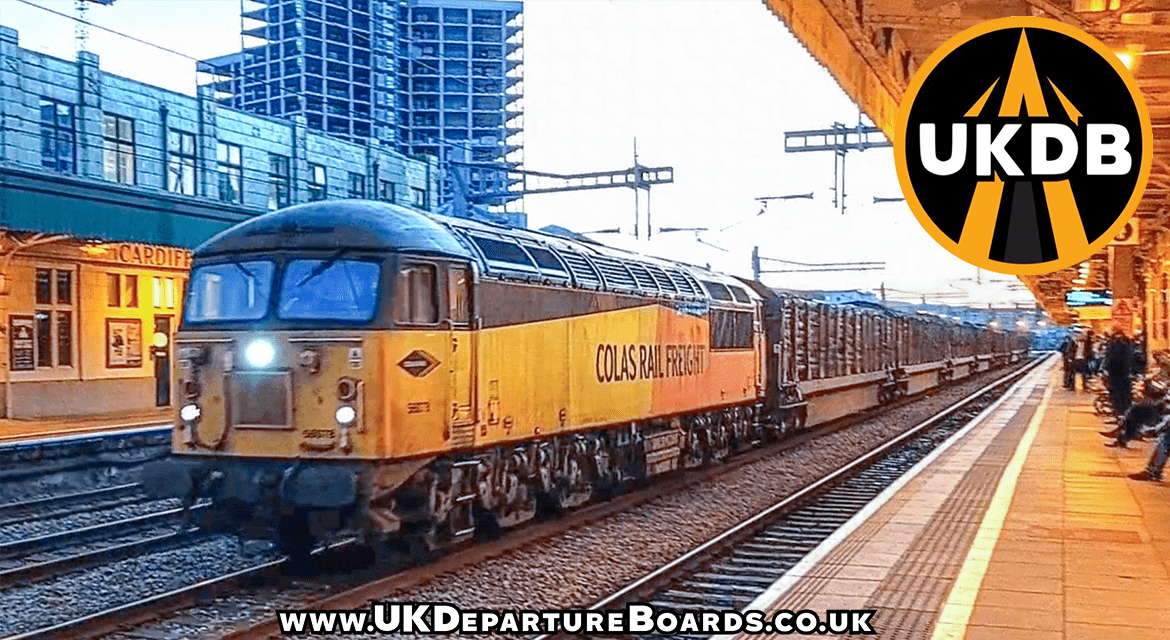
- Freight: container trains, aggregates, intermodal and more.
- Empty coaching stock: trains running empty to and from depots, often the most interesting movements of the day.
- Specials: railtours, test trains, engineering trains and other one-off workings.
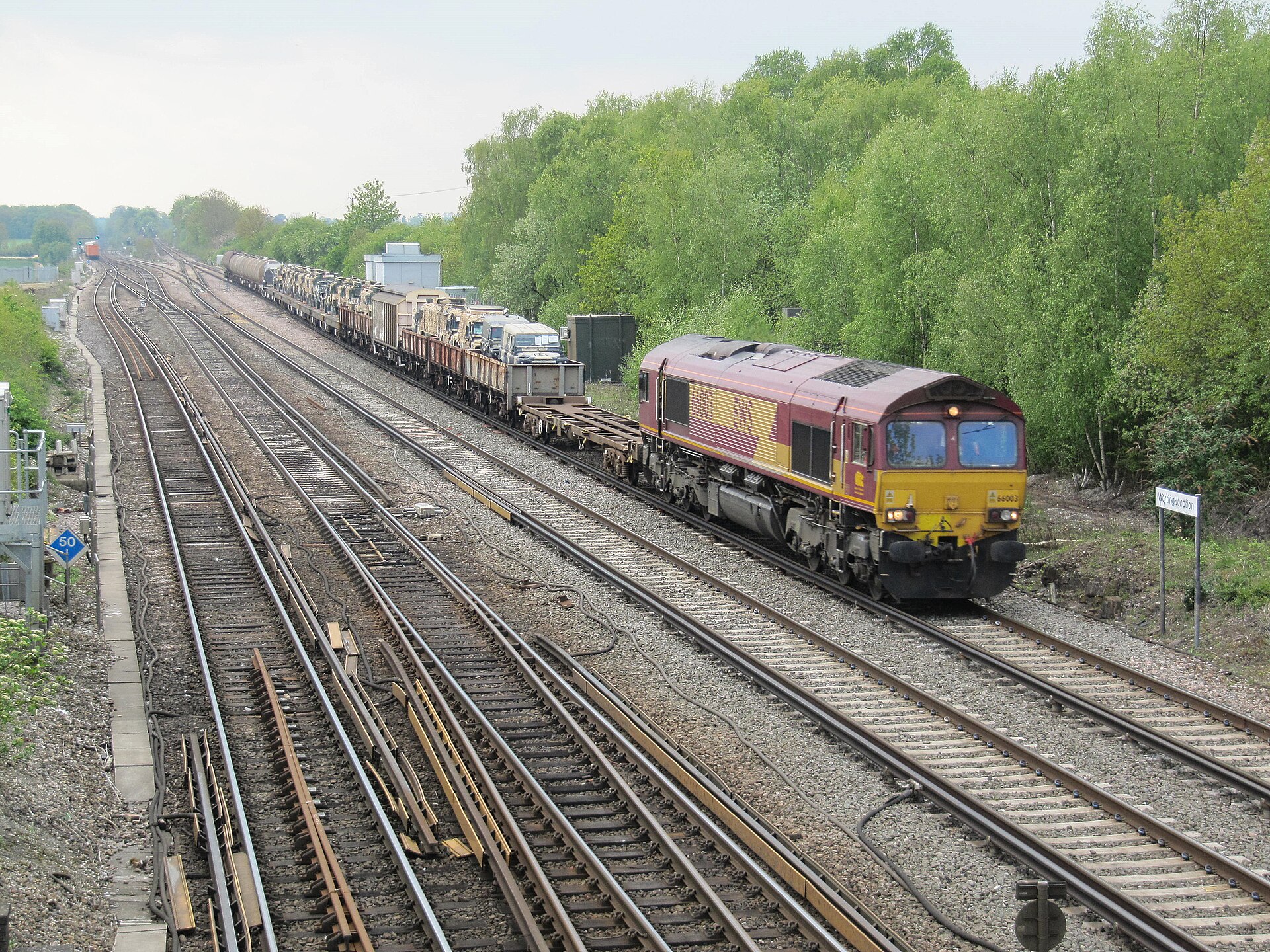
Mix them together or pick only the ones you want. It is the closest thing to standing at the lineside with a timetable, without having to leave the house. If you want to know what just rumbled past the window, your board will already have told you.
Choose your data feed
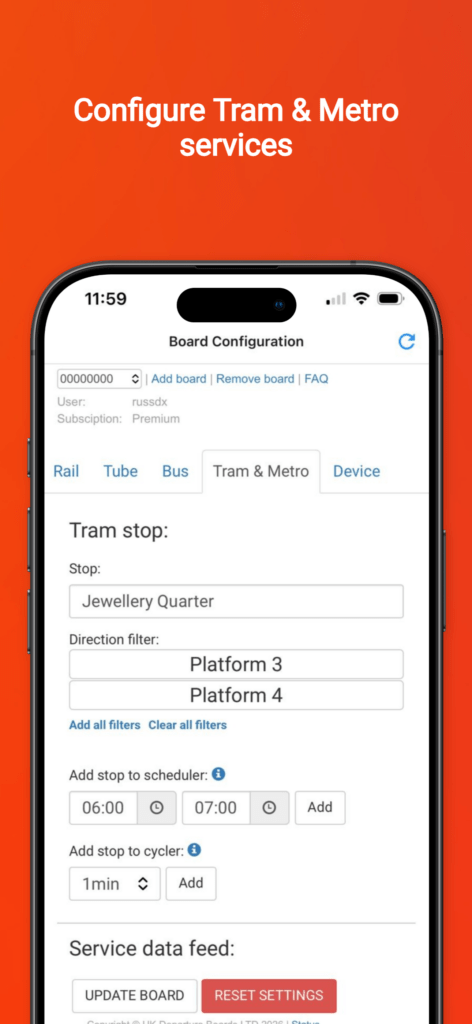
You are not tied to one data source. You can choose between our own UKDB-NetworkRail feed or Realtime Trains, which is built natively on Network Rail’s data. Switch between them from your dashboard at any time and use whichever suits your location best.
Realtime Trains has a particularly clever trick up its sleeve. Some locations barely appear in the live data at all, so most feeds show very little there. Realtime Trains uses historic running data to fill in those gaps, which means at certain locations it can show services that other feeds simply cannot. If your favourite spot looks quiet on one feed, try the other.
See exactly what the train is, not just when it’s coming
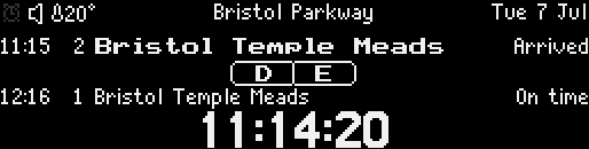
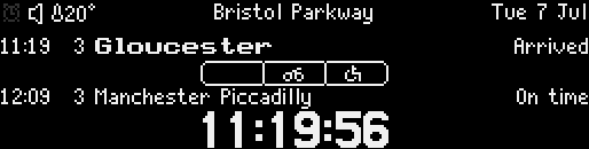
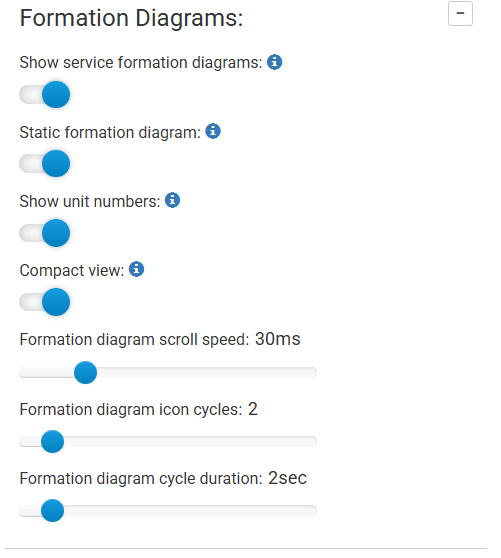
Knowing a train is coming is one thing. Knowing what it is makes it far more fun. With our service formation diagrams, your board draws the train itself beneath the service: every carriage laid out in order, with icons showing where to find disabled access spaces, bike storage, first class and catering.
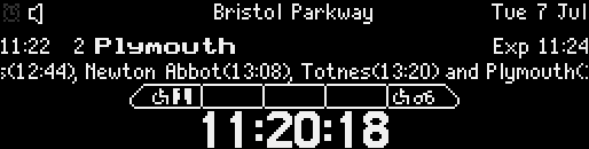
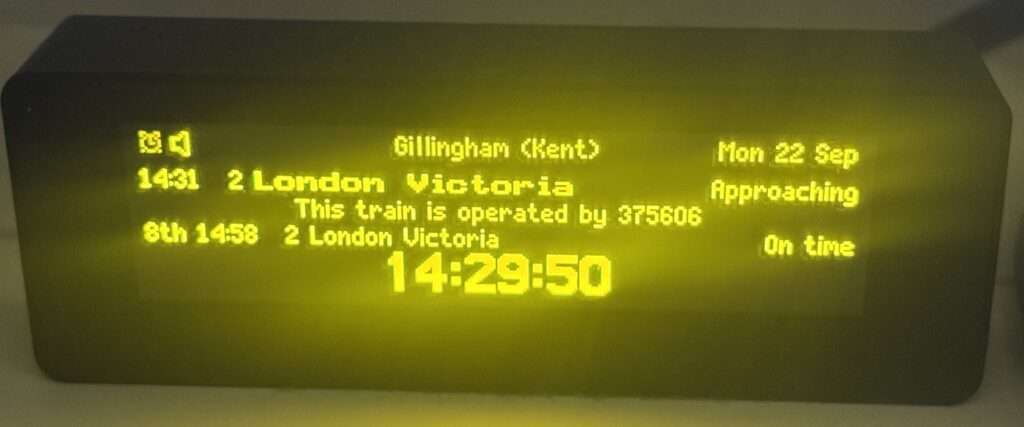
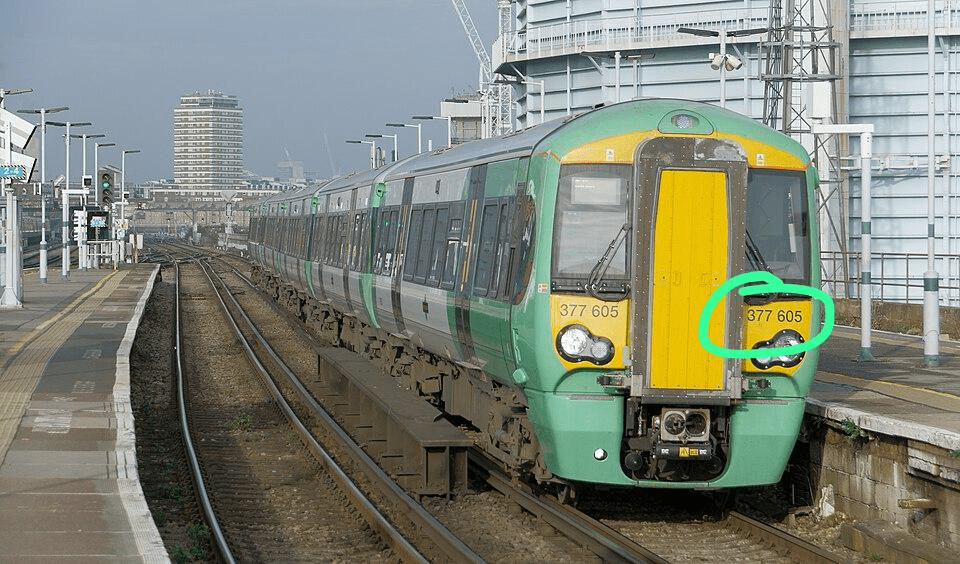
Where the data is available, it will even show the unit numbers of the rolling stock, so you know exactly which train is on its way. And it works at junctions and timing points too, so as a passenger train approaches your chosen spot you can see exactly how it is made up before it passes. Formation diagrams cover passenger services on the Darwin18, RTTv2 and Tiger feeds, and are included with Premium alongside everything above.
Available on every board we make
Every one of our products supports junctions and timing points, from the Miniature Desktop Departures® Board to the Classic and Pro departure boards. The feature is part of our Premium subscription, which also unlocks freight, empty coaching stock and passing services.
Already a Premium subscriber? Open your dashboard, choose the Junctions tab and search for a location. If you have not tried it yet, pick somewhere you know well and see how busy it really is. Most people are surprised.
Want to know more about what the railway is running? Read about freight on UK Departure Boards and our formation diagrams, which show exactly how a passenger train is made up.
Top photo: Tapton Junction, Chesterfield, by Phil Sangwell, CC BY 2.0.